

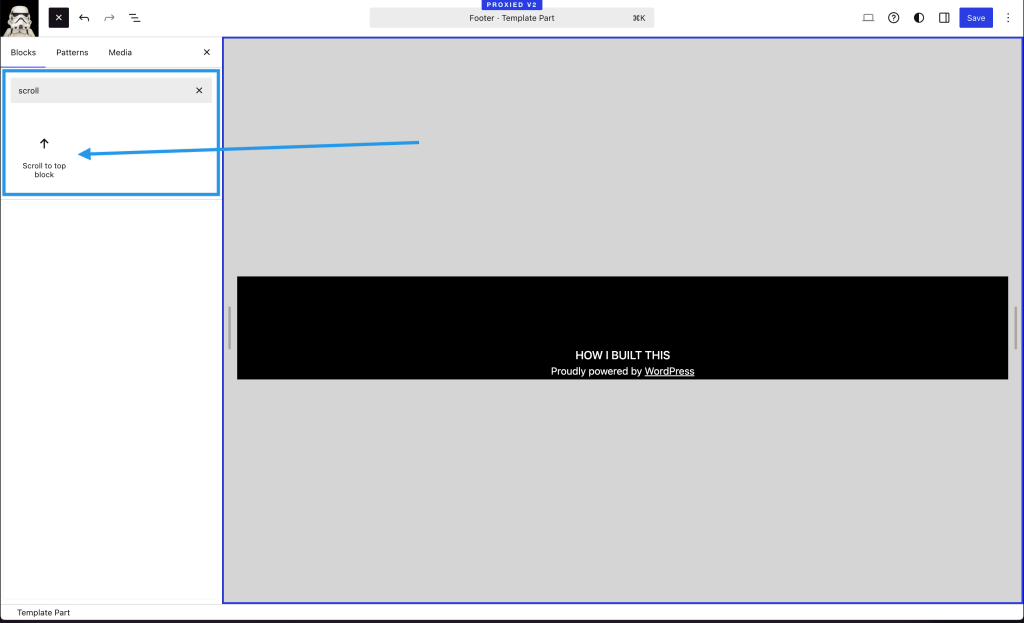
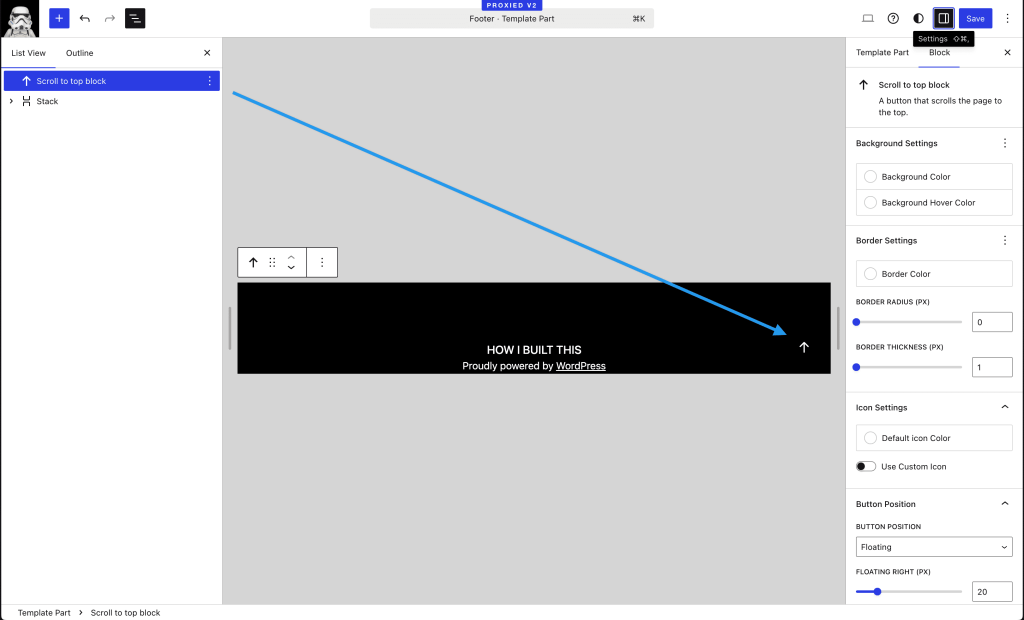
The Scroll to Top block provides an easy way to add a fixed or floating button that allows users to quickly scroll back to the top of the page.
Features
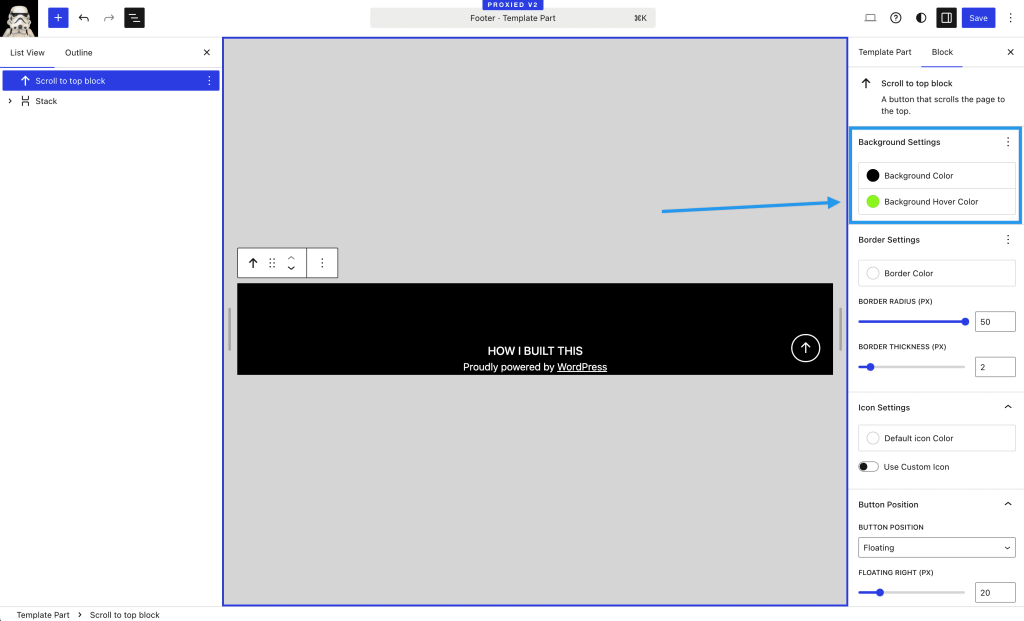
- Customizable button appearance
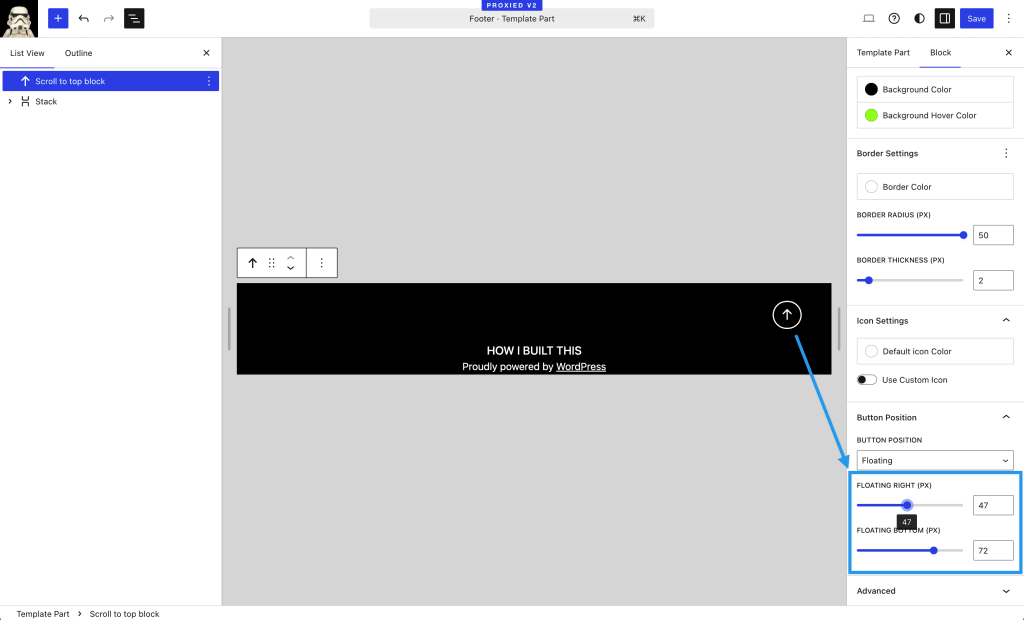
- Adjustable position on the page
- Custom icon support
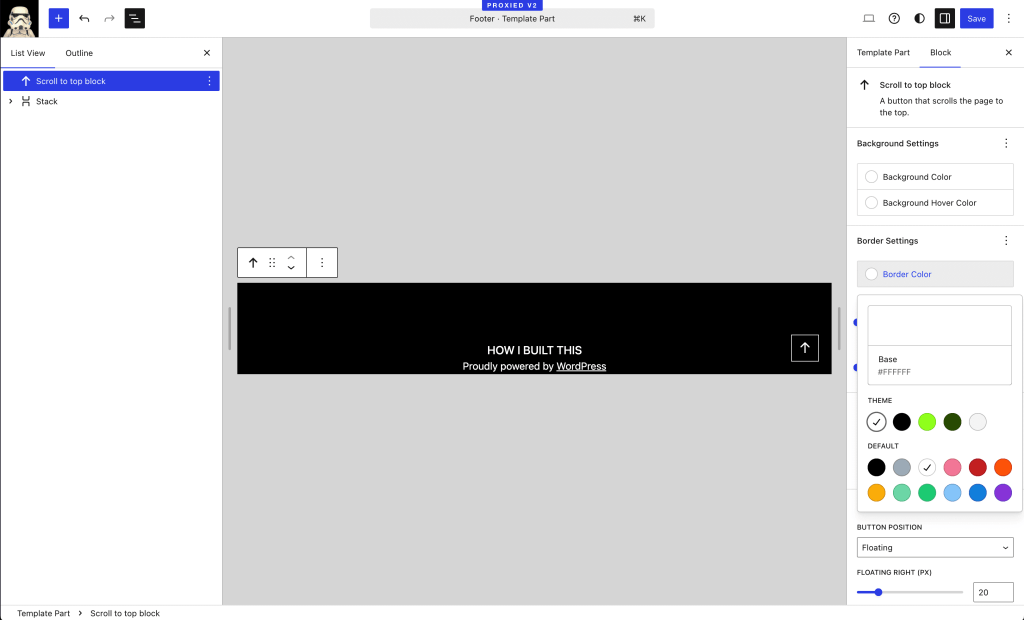
- Color customization for background, hover state, and icon
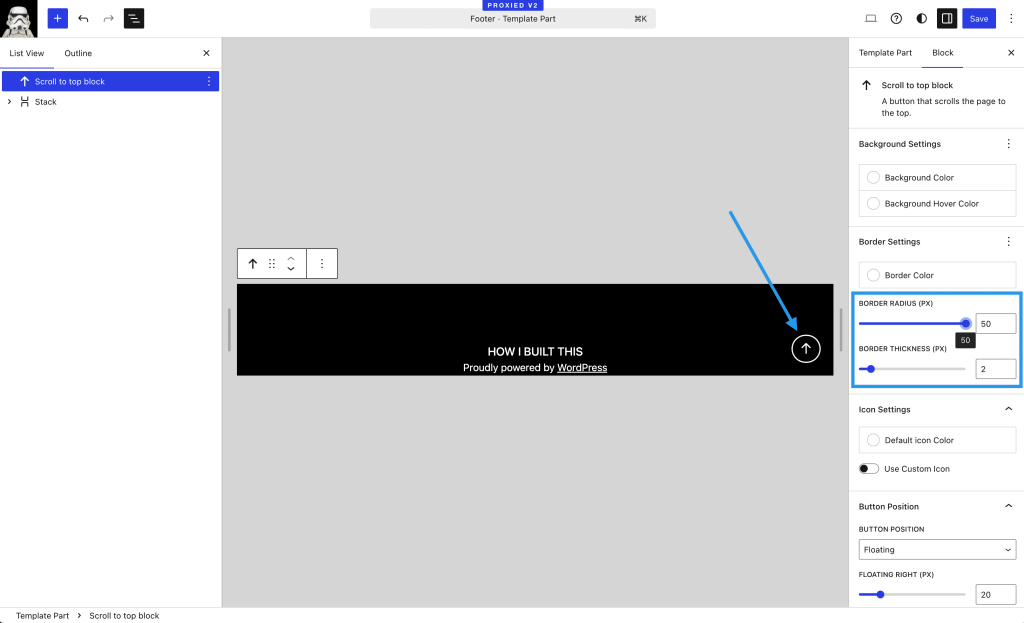
- Border customization options
- Responsive design
Installation
- Upload the plugin files to the `/wp-content/plugins/scroll-to-top` directory, or install the plugin through the WordPress plugins screen directly.
- Activate the plugin through the ‘Plugins’ screen in WordPress.
- Add the Scroll to Top block to any page or post using the block editor.
Frequently Asked Questions
Where can I place the Scroll to Top block?
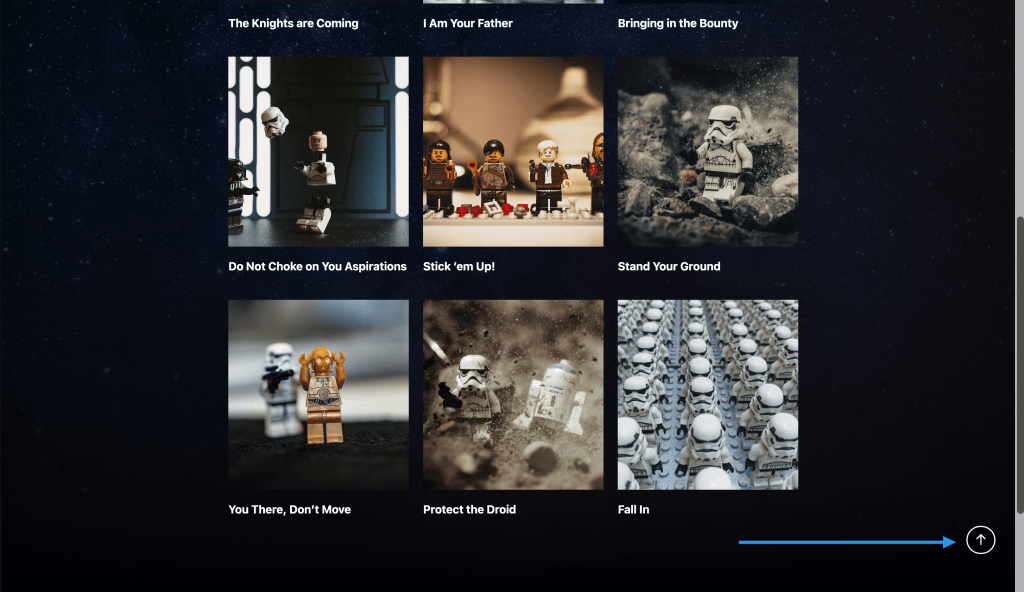
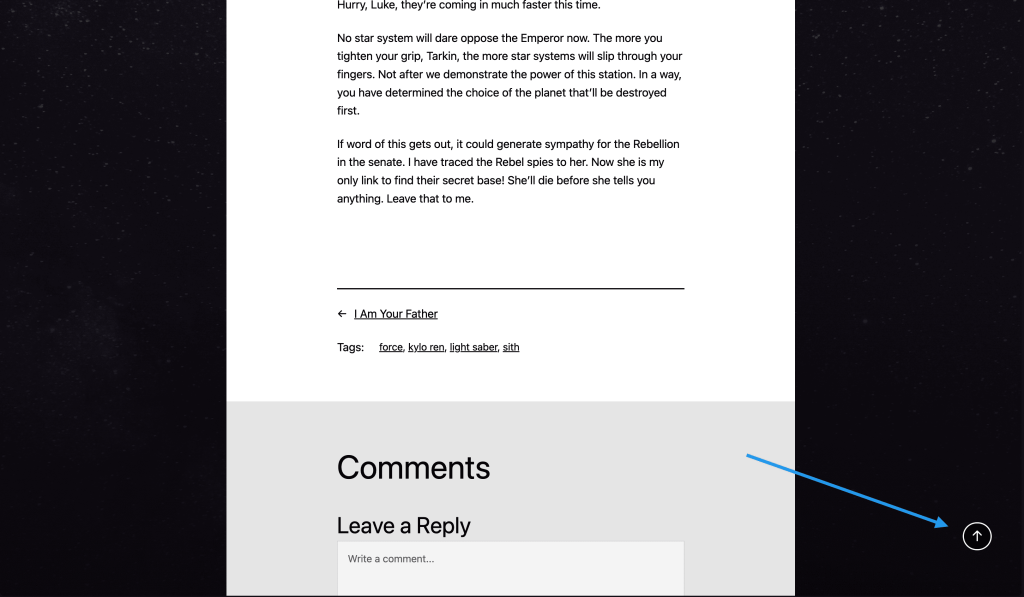
The Scroll to Top block can be added to any page or post using the WordPress block editor. Once added, the button will appear as a floating element on the page.
Can I customize the appearance of the button?
Yes, the block offers extensive customization options including:
- Background color
- Hover state color
- Border color, width, and radius
- Icon color
- Custom icon upload
- Button position and spacing
Does the block work on mobile devices?
Yes, the Scroll to Top block is fully responsive and works on all devices.
 Automattic Special Projects